
A Path of Exile Build Planner for Your Phone
Path of Building, on iOS and Android
Open any Path of Building build — Path of Exile 1 or 2 — with its stats, gear, skills and the real passive tree. For Path of Exile 2, start from scratch and watch every number update as you build.
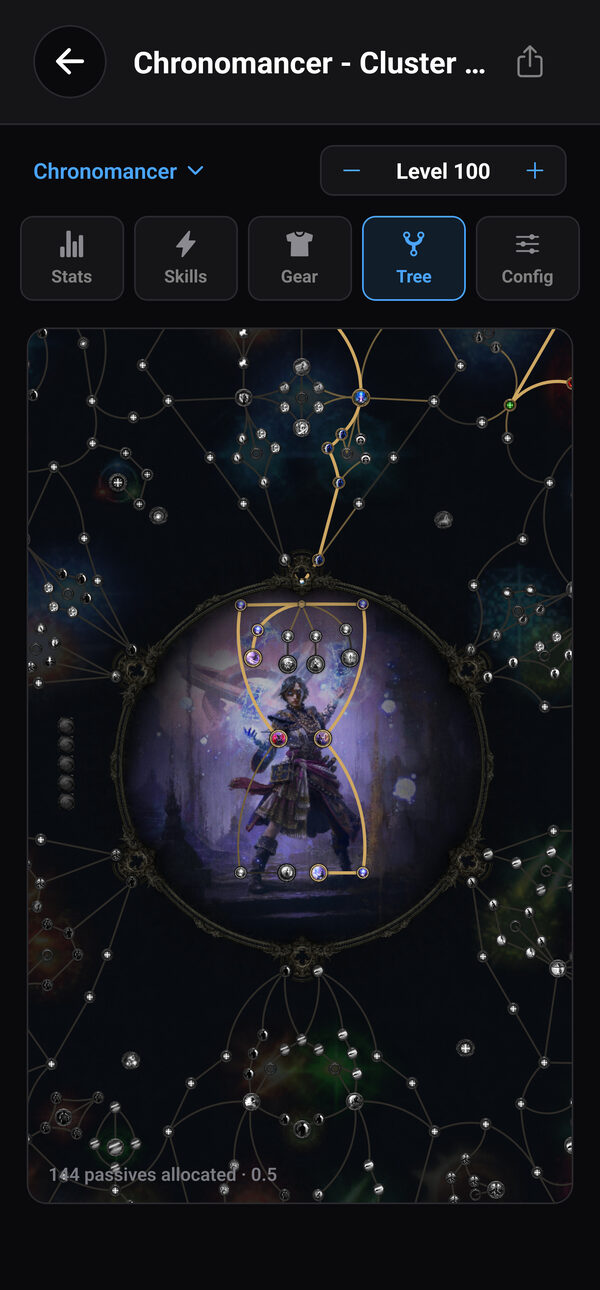
Your Path of Building builds, on your phone
Paste a Path of Building code or a pobb.in link and the build is saved on your phone — ready on the couch, on the bus or next to your console.
Your builds stay in one list, so the one you ran last league is always a tap away.
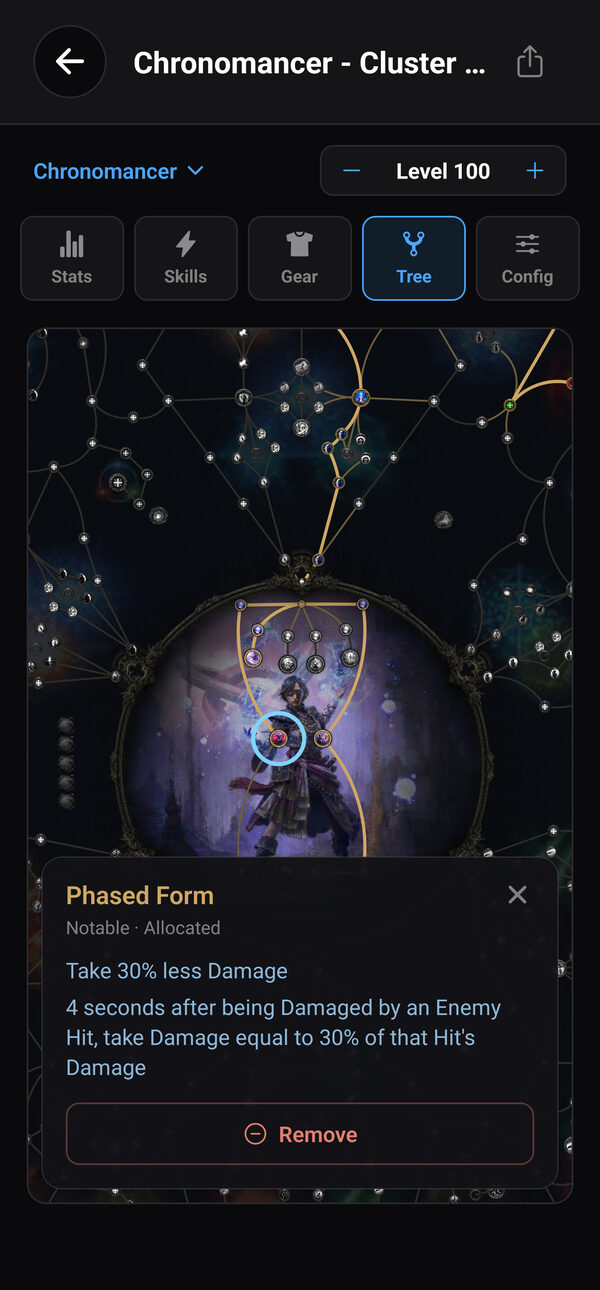
The real passive tree
The passive skill tree is drawn with the game's own art, ascendancy included. Pinch to zoom, drag to move around, and tap any passive to read exactly what it gives you.
Planning a route? Tap a passive you don't have yet and the planner paths to it, showing how many points it costs before you commit.
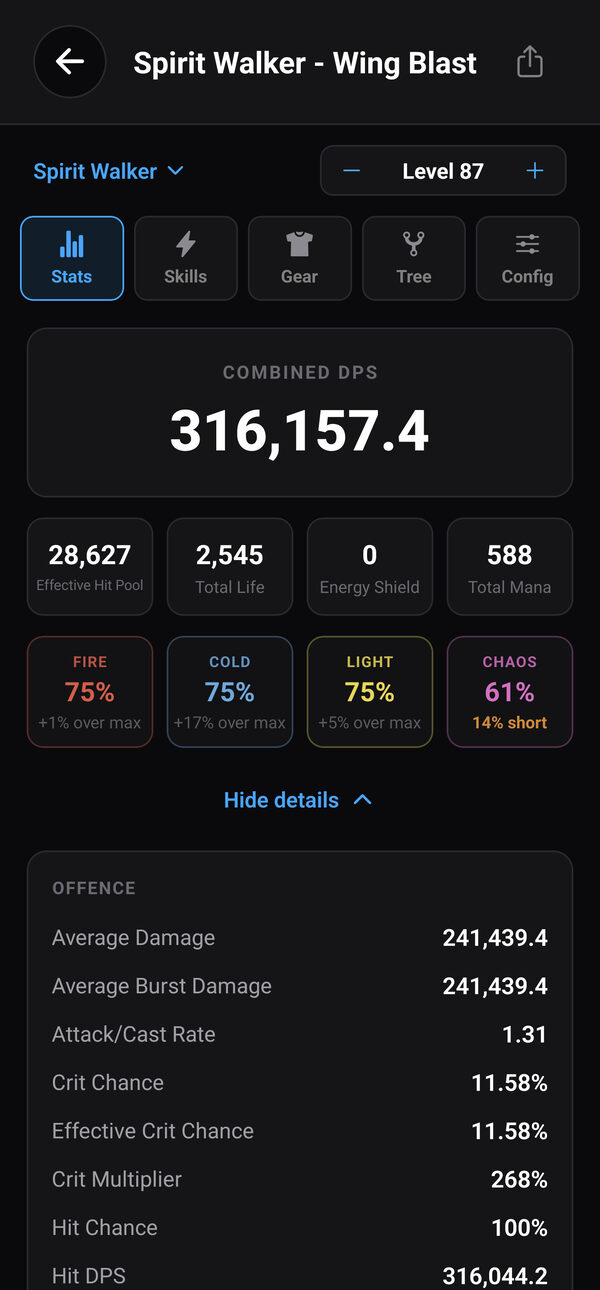
Build it, and watch every number move
Spend passive points, pick your ascendancy, set your level and flip the same configuration options you know from Path of Building. DPS, effective hit pool, life, energy shield, mana and every resistance recalculate as you go — and a resistance tells you how far it is from its cap.
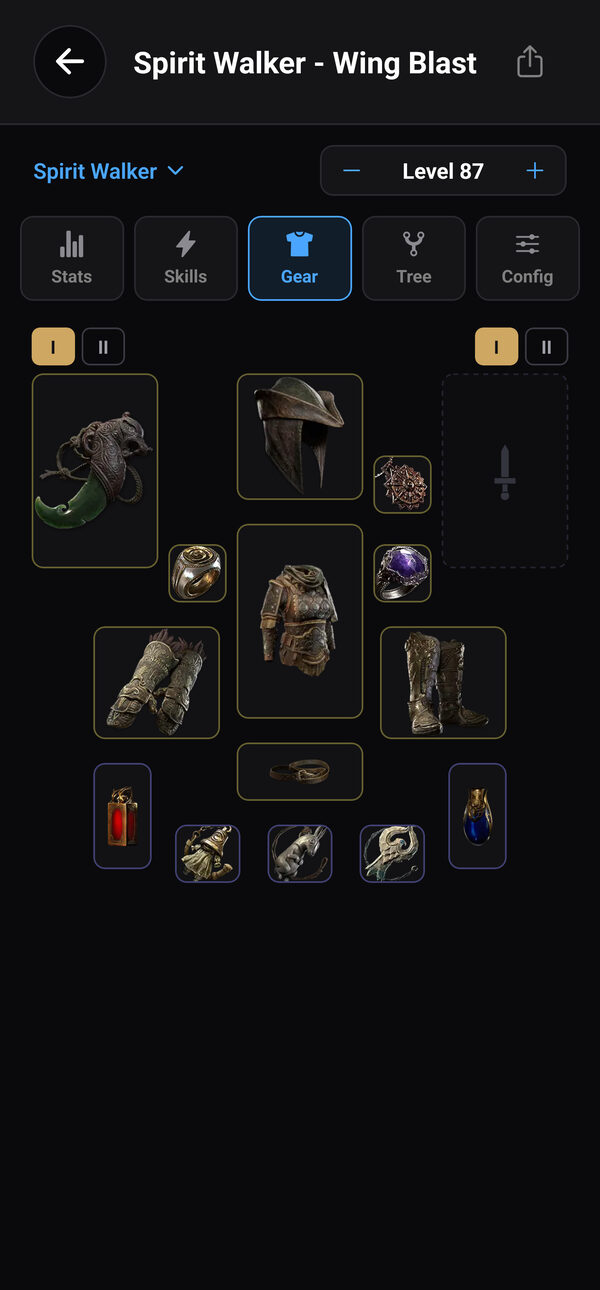
Gear, runes and gems
Equip a unique or craft a rare on a base: roll modifiers, set quality and item level, socket runes, corrupt it or anoint an amulet — or copy an item in the game and paste it straight in.
Add and swap skill and support gems with the real gem art and each gem's description in the game's own words.
More in the Build Planner
Path of Exile 1 Builds
Open your Path of Exile 1 builds too — stats, gear, skills and the passive tree, laid out the same way.
In Your Language
All eight languages the app supports, down to stat names, passive descriptions and item modifiers.
Saved on Your Phone
Your builds stay in one list on your phone — up to 50 of them — with no PC and no login needed.
Get the Build Planner
The Build Planner is built on Path of Building. Thank you to its authors and everyone who has contributed to it over the years — this feature would not exist without their work. Exile Companion is an independent app, not affiliated with or endorsed by the Path of Building project.
Also in Exile Companion: price checks, live economy and the campaign guide →Build Planner FAQ
Can I use Path of Building on my phone?
Yes. Exile Companion opens Path of Building builds on iOS and Android: paste a Path of Building code or a pobb.in link and the build is saved on your phone with its stats, gear, skills and passive tree.
Is there a Path of Exile 2 build planner for mobile?
Yes. Start a Path of Exile 2 build from scratch or change an imported one — spend passive points, pick an ascendancy, equip and craft gear, socket runes and set up gems — and DPS, life, energy shield and resistances recalculate as you go.
Do I need an account or a PC?
No. The Build Planner works on its own on your phone, with no login and no PC. It is free, like the rest of Exile Companion; an optional subscription removes ads.
Which languages does the Build Planner support?
All eight languages the app supports: English, Portuguese, German, French, Spanish, Korean, Russian and Japanese — stat names, passive descriptions and item modifiers included.